
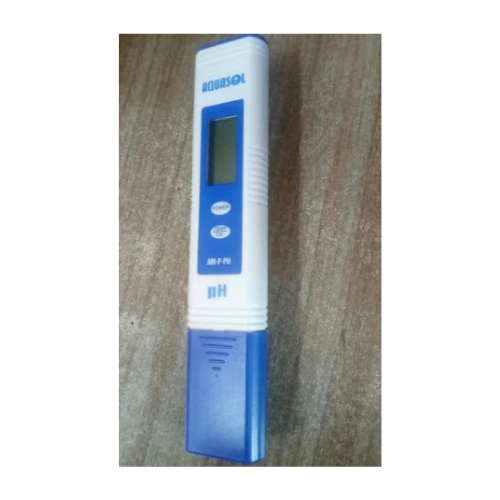
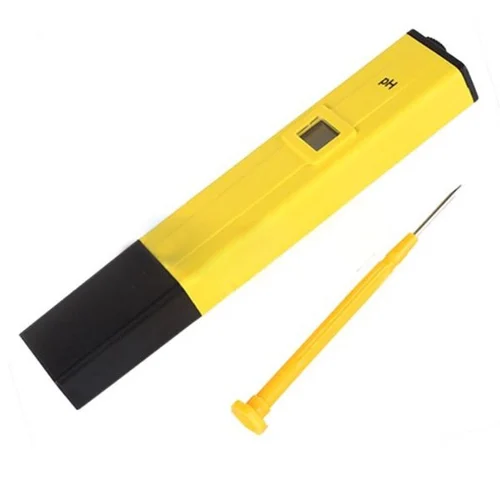
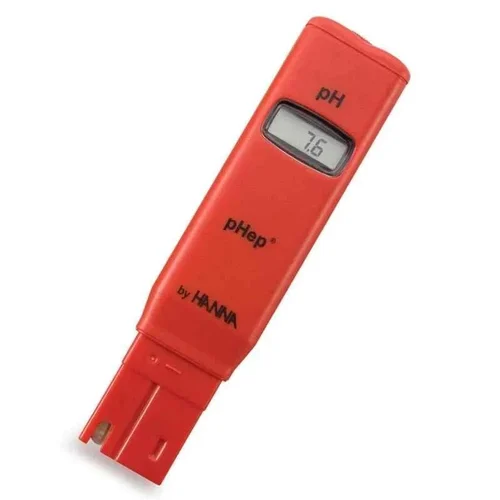
Pen Type Digital pH Testers | Pocket Handheld pH Meters
₹1,100
Product Code :
| Parameter | pH |
|---|---|
| pH Range | 0 to 14 pH |
| Accuracy | ±0.1 pH |
| Waterproof | Yes |
| Calibration Points | 1 point |
| Battery Type | Button Cell |
| Brand | Aquasol |
| Display Type | LCD |
| Type Of Ph Meter | Hand-Held |
| Usage/Application | Laboratory |
| Model Name/Number | AMPPH |
| Brand | Aquasol |
| Display Type | Digital |
| Manufactured By | Rakiro Biotech SYS Pvt Ltd |
| Availability | In Stock |
Kindly inspect the equipment for any signs of damage and verify that you have received functional equipments.1.Remove the protection cap from meter to rinse the electrode with clean water and wipe it dry and replace protective cap at end of usage.2.Dip the electrode into the buffer solution pH 7.0 and stir gently until the reading is stable. To Calibrate Press and hold "CAL" for 5 Sec. Display will flash and return to measuring mode.3.Similarly to calibrate for pH 4.0 and pH 10.0, Take respective standard solutions and follow Step 2.Note1.Calibration is not necessary before each usage, but it should be done every month.2.Don't touch or wipe the surface of inner sensor 3.Change a new battery when the display fades or flashes.1.After calibration, rinse the electrode with clean water and wipe it dry. Dip the electrode into sample solution to be measured. Stir gently and wait until a stable reading can be obtained.2.After measurement, rinse the electrode with clean water and replace protective cap.Battery replacement1.Pull out the battery compartment.2.Remove the old Lithium battery LR44 and note polarity.3.Replace the battery compartment press fit.1.Use the instrument under professional instructions to avoid failure2.Avoid Heat or direct Sunlight3.Use standard buffer solution for calibration to avoid false readings4.Do not insert any other part of the instrument in solution apart from the sensor to avoid circuit failure.CalibrationMeasurementMaintenanceSafety :PenTypepHMeter
Customer Reviews
No reviews yet.